Project scope
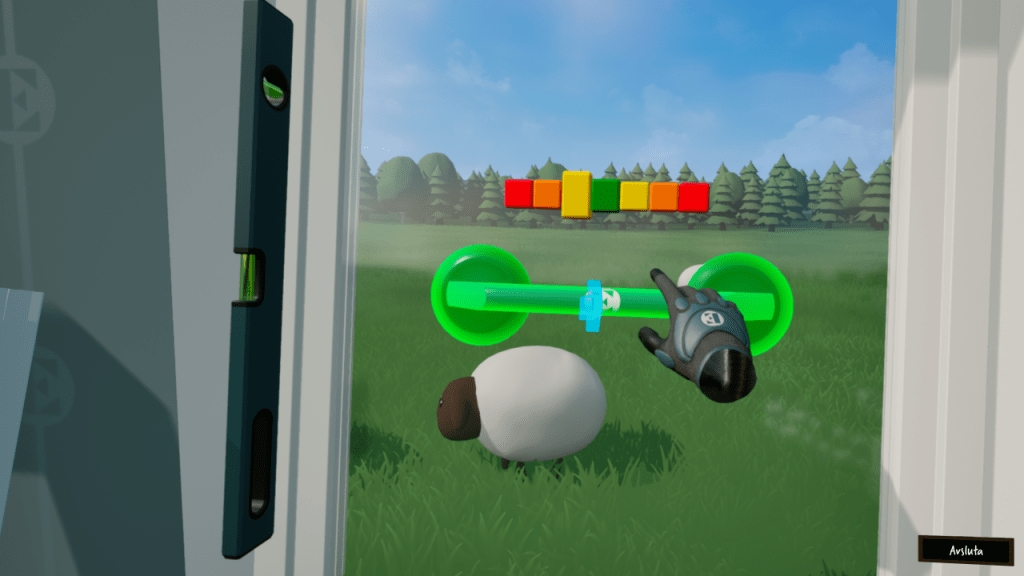
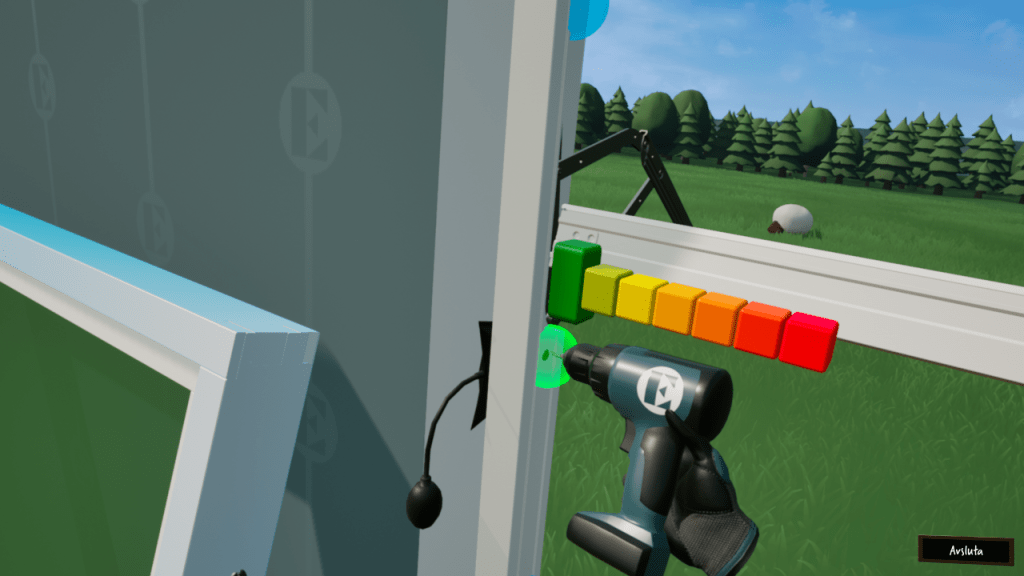
In this project we were commissioned to create a VR game that promoted the company and its product category to the public in a playful way. The game was used as marketing material at events such as the Rix FM Festival.
The team members in this project consisted of me as programmer, one 2D artist and one 3D artist. It was a really interesting task to tackle: make window mounting fun and interesting to a layperson.
| Team size | 3 |
| Budget | 260 hours |
| Engine | Unreal Engine 5 |
| Platform | PCVR |
The setup
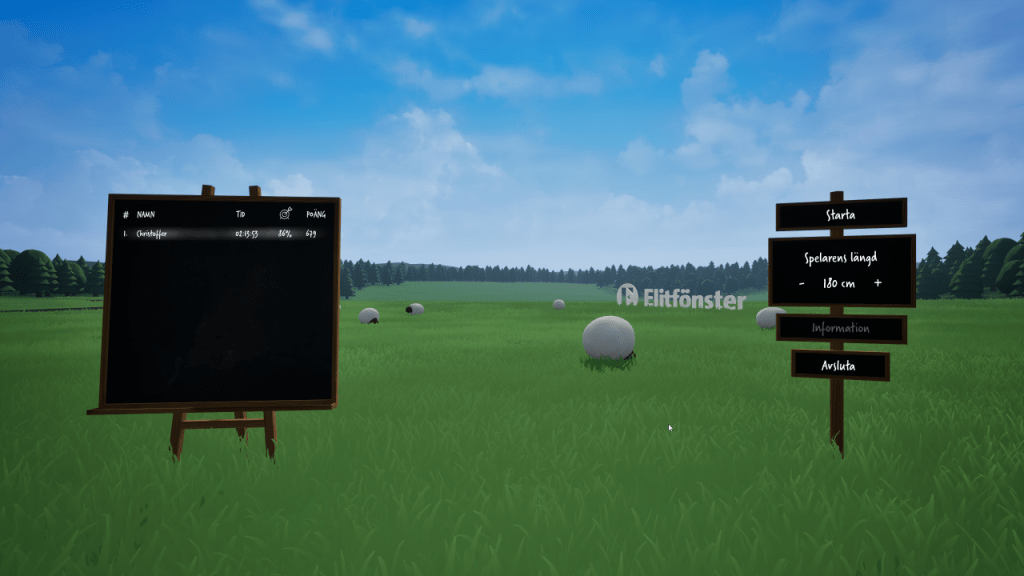
The game is run as PCVR and managed through an observer interface that is not visible to the VR player. At launch, the presenter/staff member sets the player height for window and workbench height adjustments, and subsequently starts the game session which initializes VR player. During gameplay the observer view is displayed on a screen next to the player for the passersby to spectate. A higscore list is kept and the goal is to be as quick and accurate as possible.
User experience
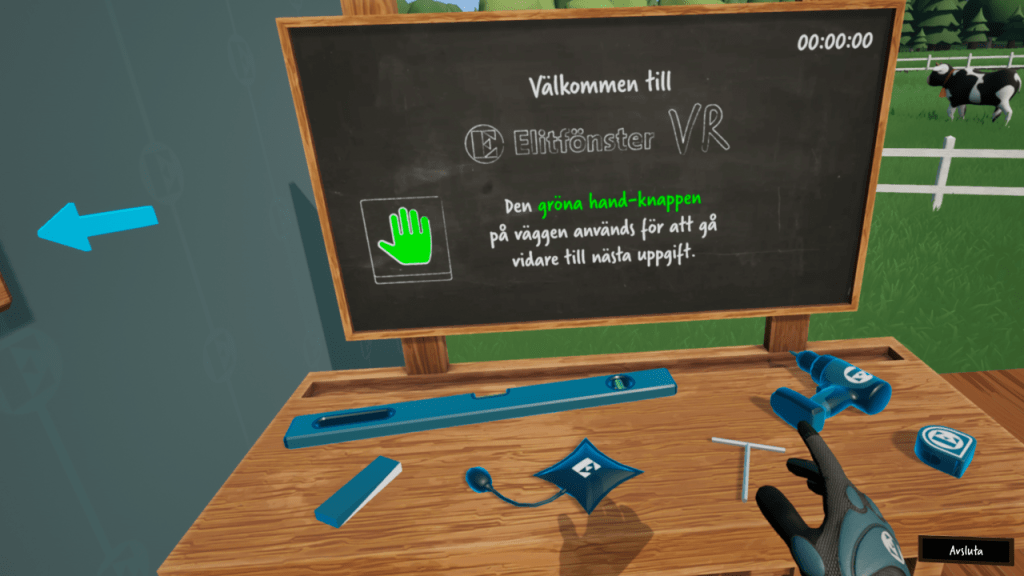
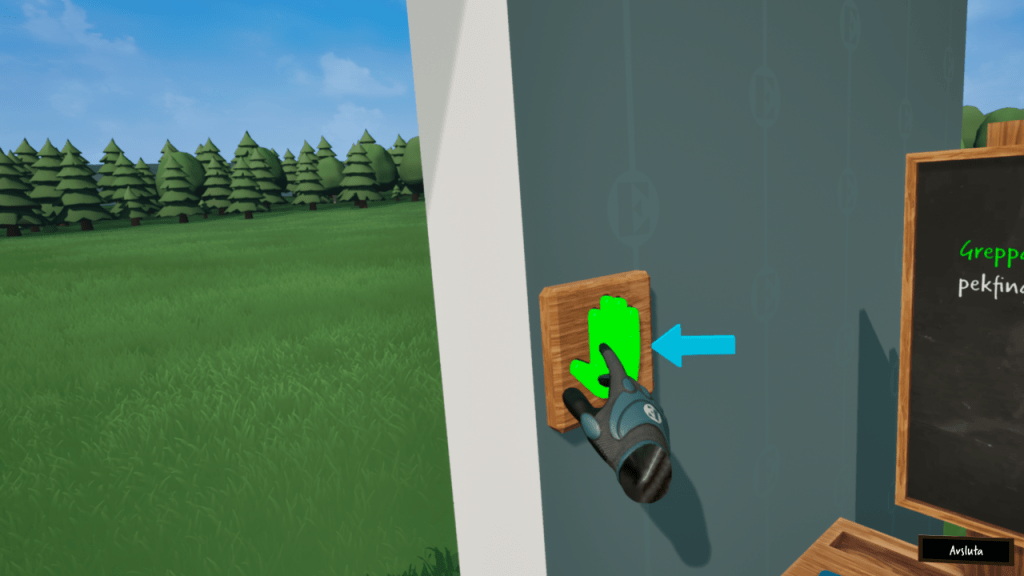
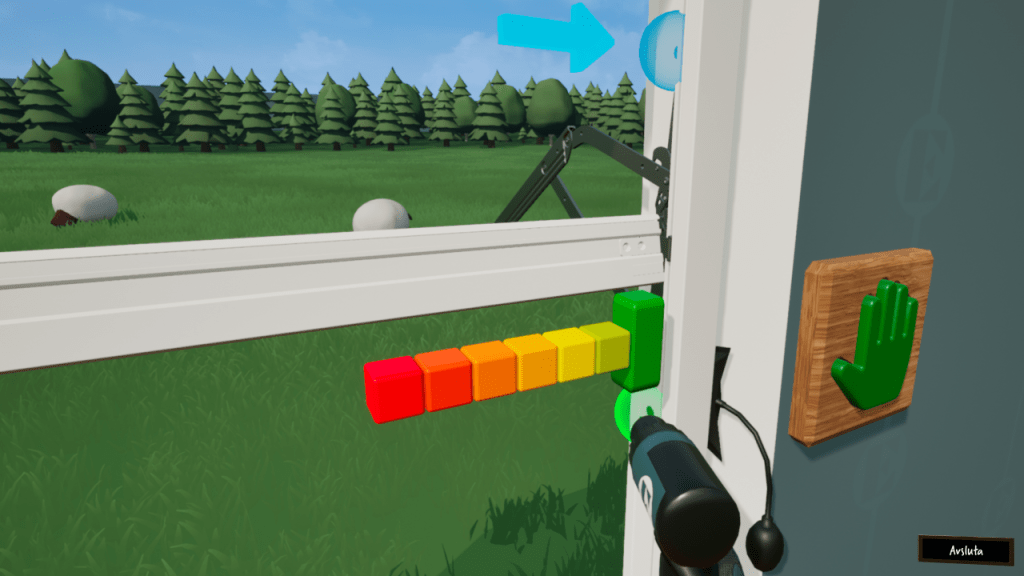
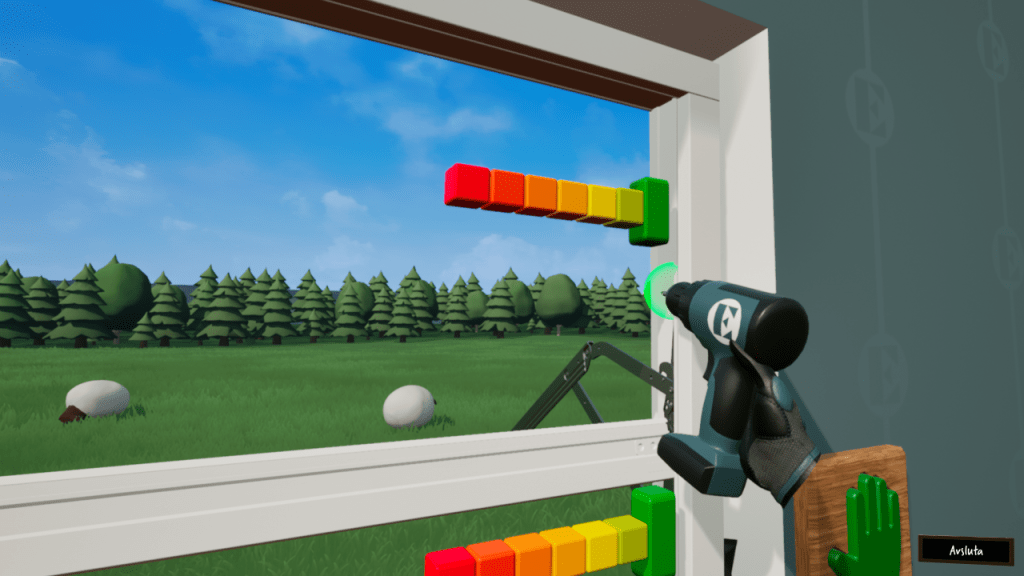
The biggest challenge we faced was by far the UX design. Creating a VR game targeting players of all ages with no prior gaming, VR or window mounting experience was no easy task. A key aspect we had to consider was that the player was supposed to get through the entire process without any assistance from the presenter. The steps and actions in the mounting process were simplified to work better with VR and both visual and auditory guides were added to further aid the player.
Technical remarks
The game framework and logic was created in Unreal Engine 5 entirely through blueprints. The only premade assets used were the components supplied through the OpenXR plugin. The framework remained somewhat simple but was created with expansion in mind. The client hinted on potential further development where the application would be used for training, so the tools and interaction components had to be set up in a modular manner.
Observer
In order to show a clickable spectator interface in PCVR, it must be created through 3D widgets. The VR view was mirrored through a spectator texture, and in order to show a UI on top, i added as a Widget Component. To interact with the interface using a mouse, a Widget Interaction Component was added. The coordinates of elements in this widget do not correspond to screenspace coordinates, so the mouse coordinates had to be translated from screenspace to the relative widget space, which i got from parts of this post. This enabled the presenter to manually exit the current session without having to put the headset on. This was also planned to be expanded and used by an instructor in future training sessions.
Tools
To make the tools modular, a set of components were created to define the type of tool. This way the components can handle the common logic for grabbing/using/placing and the tool handles the logic unique to that tool.
- Grabbable component
The pawn keeps track of the currently hovered object with a grabbable component. When the object is grabbed, the component handles the objects physics state. - Usable component
A held tool with a usable component is triggered by the pawn when a bound input key is fired. The events that can be fired are predefined and can be bound to in the tool blueprint. - Placeable component
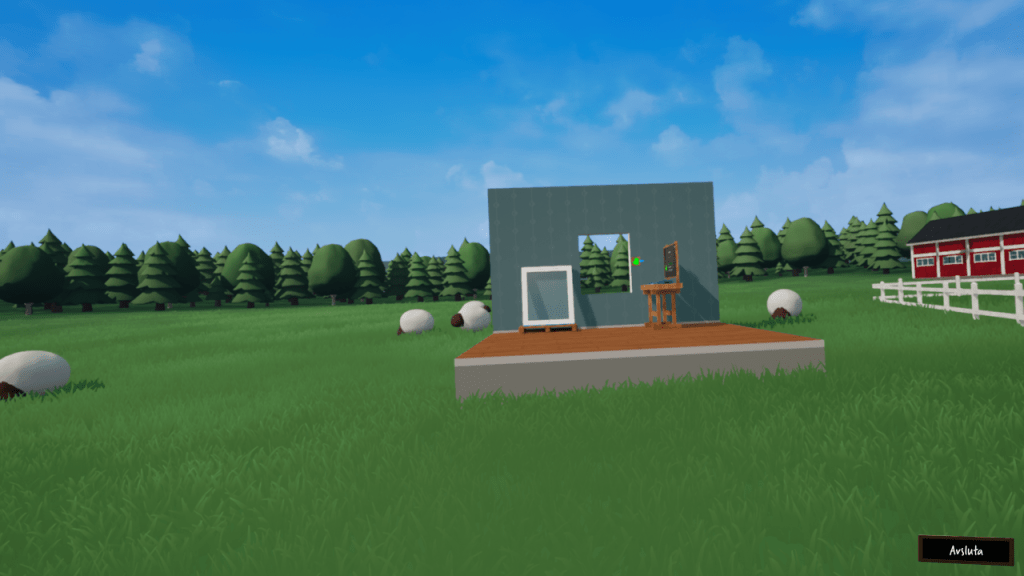
A placeable object can be snapped to attachment points in the level. The component uses tags to identify if the overlapping attachment object is a match. The component also handles positioning and fires an event when attached/removed to expand functionality. For example, when the window is placed on the window attachment point, the attachment point is removed as it contains a ghost-version of the window.
 Christoffer Karlsson